
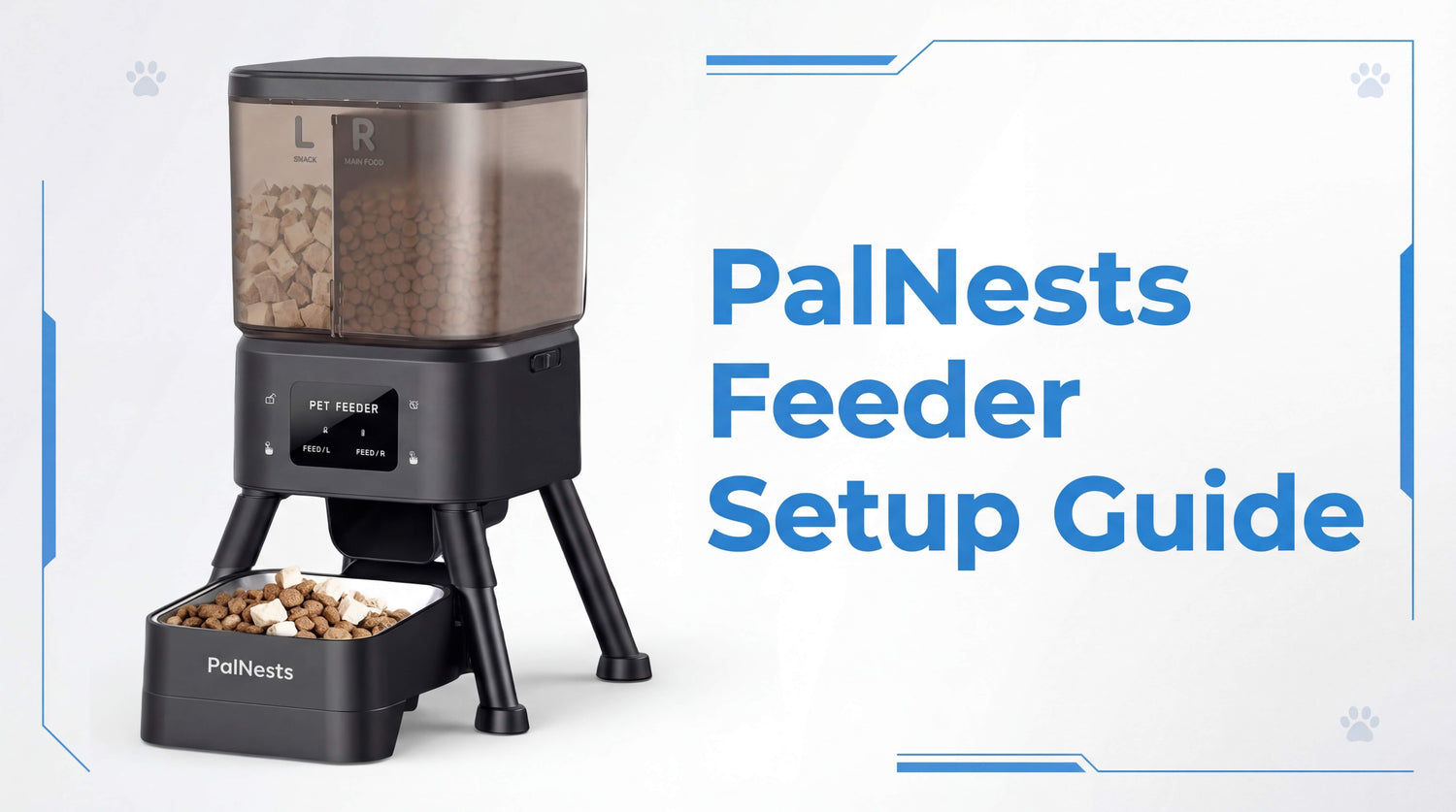
This setup guide will help you configure your PalNests Dual-Chamber Smart Cat Feeder quickly and correctly.
In this PalNests feeder setup guide, we’ll move beyond the basic paper manual to show you exactly how to program an automatic cat feeder for maximum health benefits. Whether you are a tech wizard or a first-time smart pet parent, this guide ensures your feeder is up and running in under 10 minutes.
Quick Access: Official Digital Manual
For those who prefer to keep a copy on their smartphone or tablet, we’ve made the full high-resolution manual available online. Click Here to Download the PalNests PN-CF01 PDF Manual
Unboxing: What’s Inside?
Before we build, let's make sure you have everything. Your PalNests box should contain the following essential components:
● The Main Feeder Base & Dual Storage Bins
● Stainless Steel Food Bowl & Guide Plate
● Type-C Power Cable & Adapter
● Freshness Desiccant Bag
● PalNests User Manual
Physical Assembly: Building the Foundation
Step 1: Powering Up
First, connect the Type-C power cable to the port located at the back of the base. While the feeder supports emergency battery backup (4 x AA batteries, not included), we highly recommend using the wall adapter for the initial App setup to ensure a stable WiFi connection.
Step 2: Bowl and Guide Plate
Insert the food guide plate into the base, followed by the stainless steel food bowl. These components are designed to snap into place easily, ensuring that food is funneled directly into the center of the bowl every time.
Step 3: Installing the Bins
Mount the dual-storage bins onto the base. You will notice two distinct silos: the Left Bin and the Right Bin. This physical separation is the key to our "Freshness First" philosophy. Finally, place the desiccant bag into the compartment under the lid before locking it into place.
Connecting the PalNests App: Your Command Center
To unlock the full potential of your feeder, you need the PalNests App.
1. Download: Search for "PalNests" in the Apple App Store or Google Play Store.
2. Pairing: Open the app and tap "Add Device". Ensure your phone’s Bluetooth is on and you are connected to your home WiFi.
3. Connection: When the device name "PN-CF01" appears, follow the on-screen prompts to sync. The indicator light on the feeder will confirm once the connection is successful.
How to Program Automatic Cat Feeder for Dual-Chamber Success
This is where the magic happens. Unlike standard feeders, PalNests allows you to create a "Nutritional Recipe."
Setting the Ratios
Navigate to the "Add Feeding Plan" interface in the app. Here, you can specify exactly how many "portions" should come from the Left Bin vs. the Right Bin for every single meal.
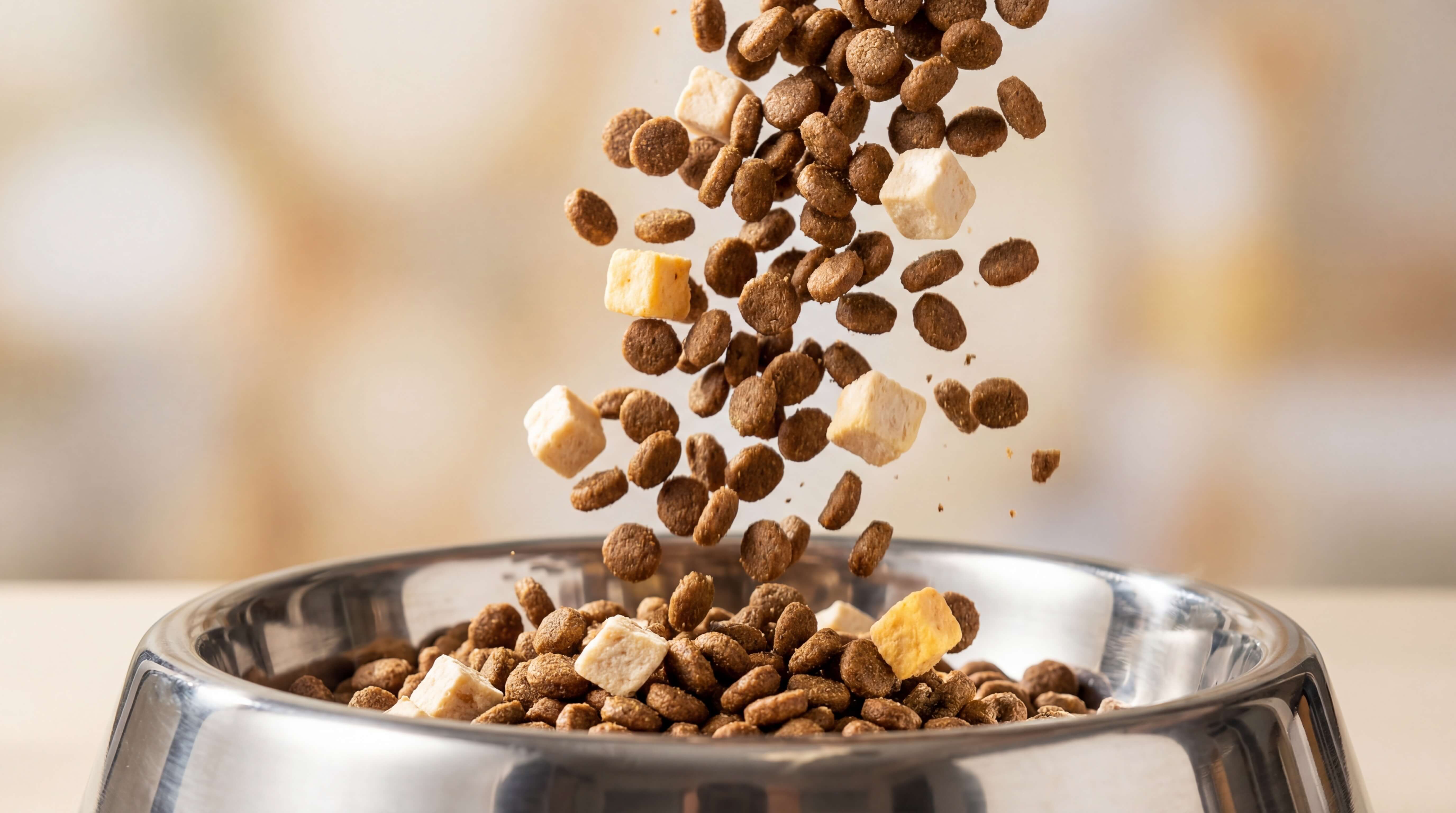
● Example: Set 3 portions of standard kibble from the Left and 1 portion of freeze-dried toppers from the Right for a high-protein breakfast.
Customizing the Schedule
You can program up to 10 meals per day, selecting the specific days of the week for each plan. The app also maintains a "Feed Record," so you can verify that your cat was fed even if you were stuck in a meeting.
Manual Controls and The Child Lock
Sometimes you want to give your cat a little extra love.
● Manual Feeding: You can trigger a manual dispense directly from the app or by using the physical buttons on the device.
● Safety First: To prevent curious paws from accidentally triggering a meal, the feeder features an automatic Child Lock. To unlock the control panel, simply press and hold the lock button for 3 seconds.
Maintenance: Keeping the Tech Pristine
To ensure the longevity of your clog-free system, we recommend a quick cleaning every two weeks.
1. Empty the bins and remove them from the base.
2. The bins and stainless steel bowl can be washed with mild soap and water.
3. Warning: Never submerge the base or the motor compartment in water. Wipe the base with a soft, dry cloth.
Troubleshooting Common Setup Hurdles
● Feeder won't connect to WiFi? Ensure you are within 10 meters of your router. If it fails, perform a Factory Reset: Unlock the child lock (3s), then hold the reset button for 5 seconds.
● Screen is blank? Check if the power cable is securely plugged in or if the child lock has dimmed the display.
Summary: Quick Takeaways
● Physical Setup: Assemble base, bowl, and bins before connecting power.
● App Pairing: Use the PalNests App via WiFi for remote control.
● Dual Programming: Customize portion ratios between the Left and Right bins for every meal.
● Safety: Use the 3-second Child Lock to prevent accidental feedings.
● Maintenance: Wash the bins and bowl regularly, but keep the base dry.
Conclusion: Welcome to the PalNests Family
Setting up your PalNests feeder is the first step in a journey toward better health for your cat and more freedom for you. By following this PalNests feeder setup guide, you’ve ensured that your device is configured for maximum reliability and freshness.
If you have any further questions or run into a unique situation, our support team is always ready to help. Reach out to us at support@palnests.com.
Happy feeding!
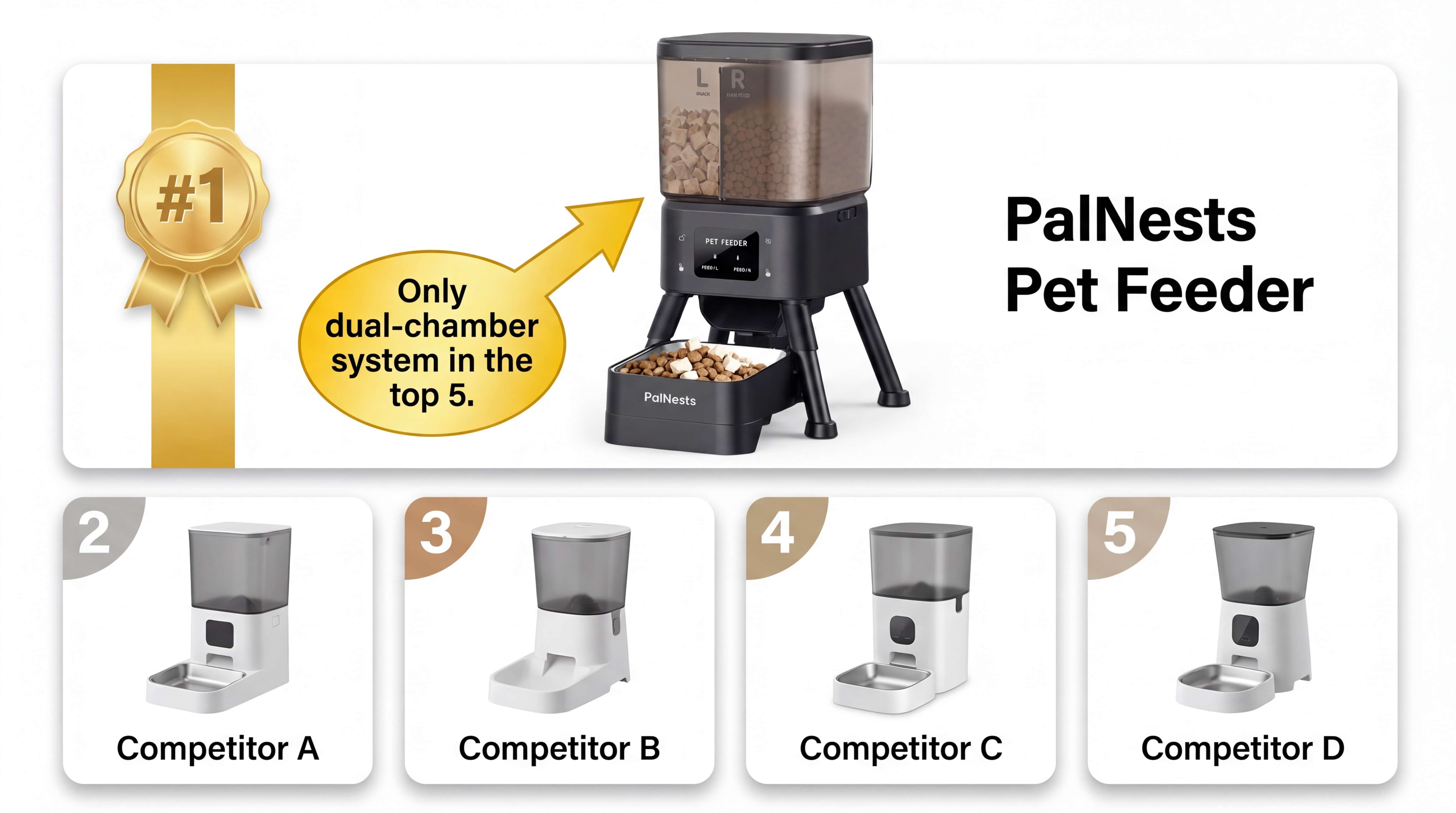
If you are still comparing smart cat feeders, this guide should give you a clearer picture of what a dual-chamber setup can do.
FAQ: Common Setup Questions
Q: Can I use the feeder without the App?
A: While you can trigger manual feedings using the physical buttons, the full scheduling and dual-bin ratio features require the PalNests App.
Q: What happens if the power goes out?
A: If you have installed 4 x AA batteries, the feeder will continue to follow your pre-programmed schedule. Note that WiFi connectivity may be disabled in battery mode to save power.
Q: How do I change the WiFi network?
A: You will need to reset the device. Unlock the panel and hold the reset button for 5 seconds, then follow the "Add Device" steps in the app for the new network.
Q: Is the stainless steel bowl dishwasher safe?
A: Yes, the 304 stainless steel bowl is durable and can be placed in the dishwasher for easy sanitization.
Q: How many portions can I set per meal?
A: You can set up to 30 portions per meal (approx. 5g-10g per portion depending on kibble size), allowing for extreme precision.
Need more help before your first feeding plan? Visit our Manual Downloads page for the PDF file, or explore the PalNests Dual-Chamber Smart Cat Feeder product page for feature details, app-based feeding options, and compatibility information.

Leave a comment
This site is protected by hCaptcha and the hCaptcha Privacy Policy and Terms of Service apply.